

About C1
More than a cloud PC — a friend by your side, every step of the way
Accessible technology, opportunity for everyoneTechnology for Everyone. Access More. Create More.
PLAY · WORK · CREATE · TOGETHER
Vision
Build a society where everyone can easily access quality technology — to create opportunities, learn, create and grow together
- Play
- Learn
- Create
- Work
- Build skills
- Create opportunity
“We didn't build C1 to sell computers. We built C1 so people can reach what technology makes possible for them”
Roadmap
The C1 roadmap
- C1 1.0NowBuild the Foundation
- C1 2.0Cloud PC for Everyone
- C1 3.0Build the Community
- C1 4.0Technology Accessibility
Mission
1Accessibility2Experience3Community4Opportunity5ResponsibilityOur 5 missions
Values
ACCESSAccessibleCARECaringTRUSTTrustworthyCOMMUNITYCommunityGROWGrowthOur 5 values
For society
Social goals
- Kids without a powerful PC get to use a Cloud PC
- New creators get the resources they need
- Software students get the right machine
- Working people get to use the technology
Our promise
Listen → Understand → Fix → Follow up
 Step 1ListenOunjai
 Step 2UnderstandFix
- Step 3SolveFix
 Step 4Follow upCare
The cloud team
One cloud, many roles — all here to look after you
 C-One C-OneLeader of the cloud team“Play · Work · Create — together, every step of the way”
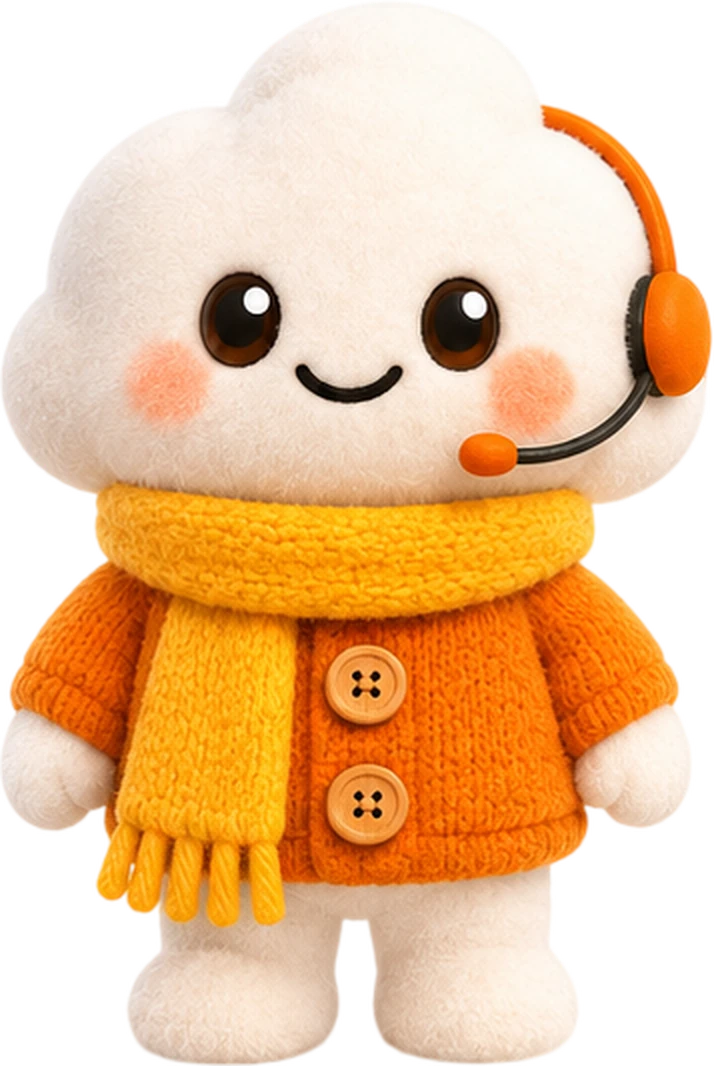 Ounjai OunjaiAdmin Support“Every question matters — we're always here to help!”
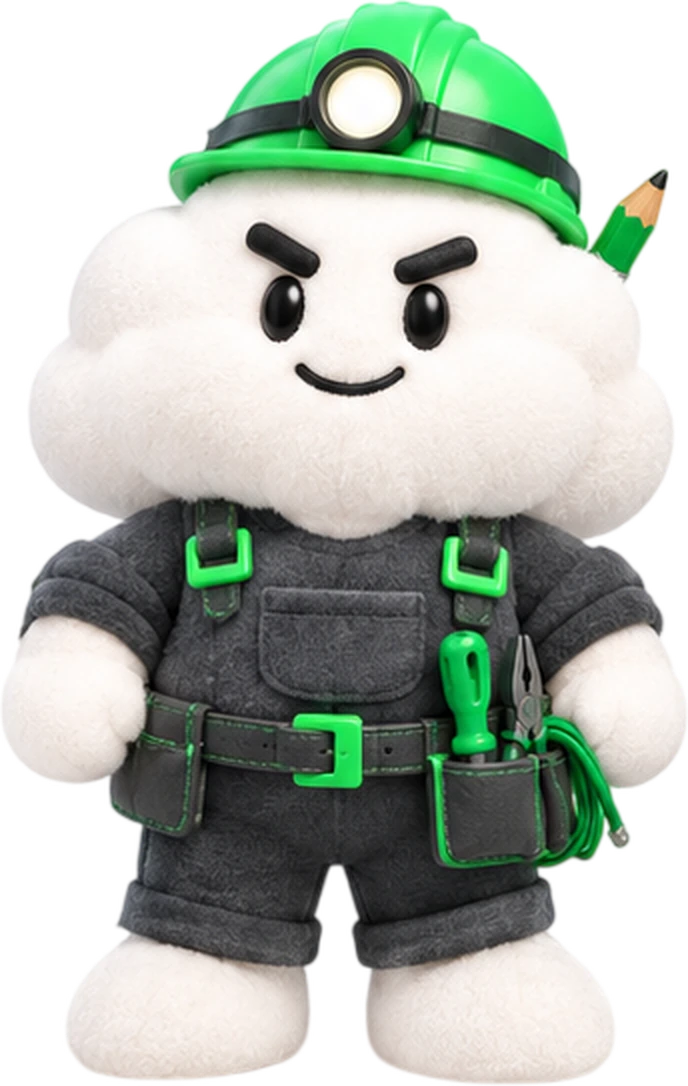 Fix FixIT Support“Game or software trouble? We'll sort it out!”
 Sync SyncSystem Engineer“Stable, secure and playable around the clock”
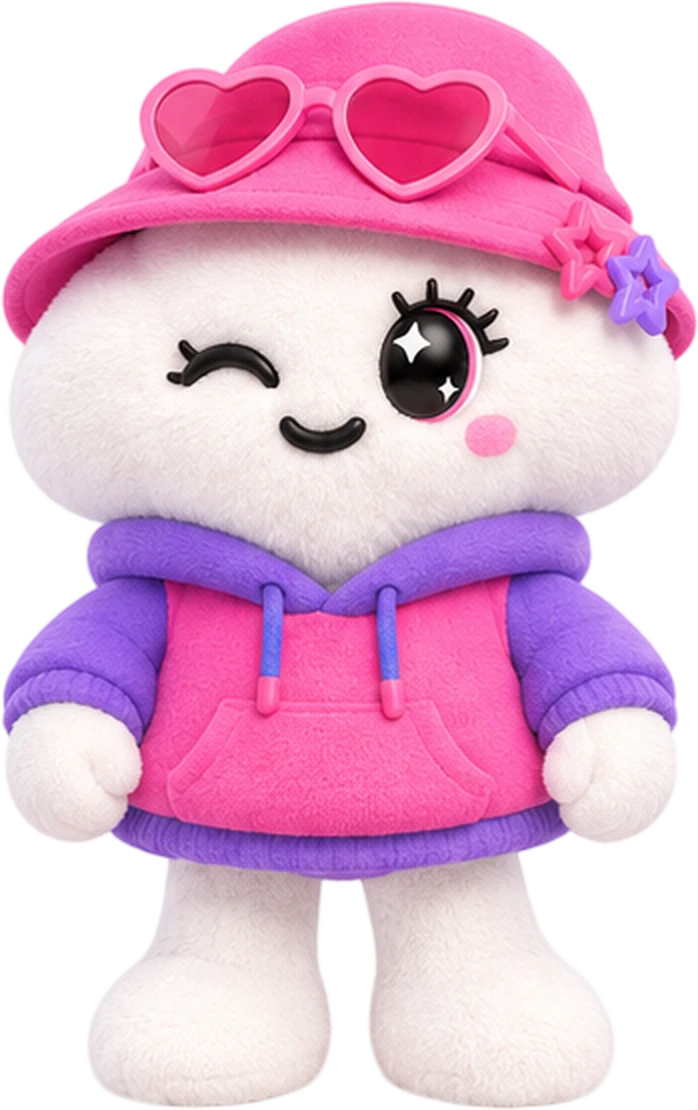 Pinky PinkyContent Creator“Fresh ideas every day — come have fun with us!”
 Care CareAfter-Sales“Use it with peace of mind — we keep looking after you!”
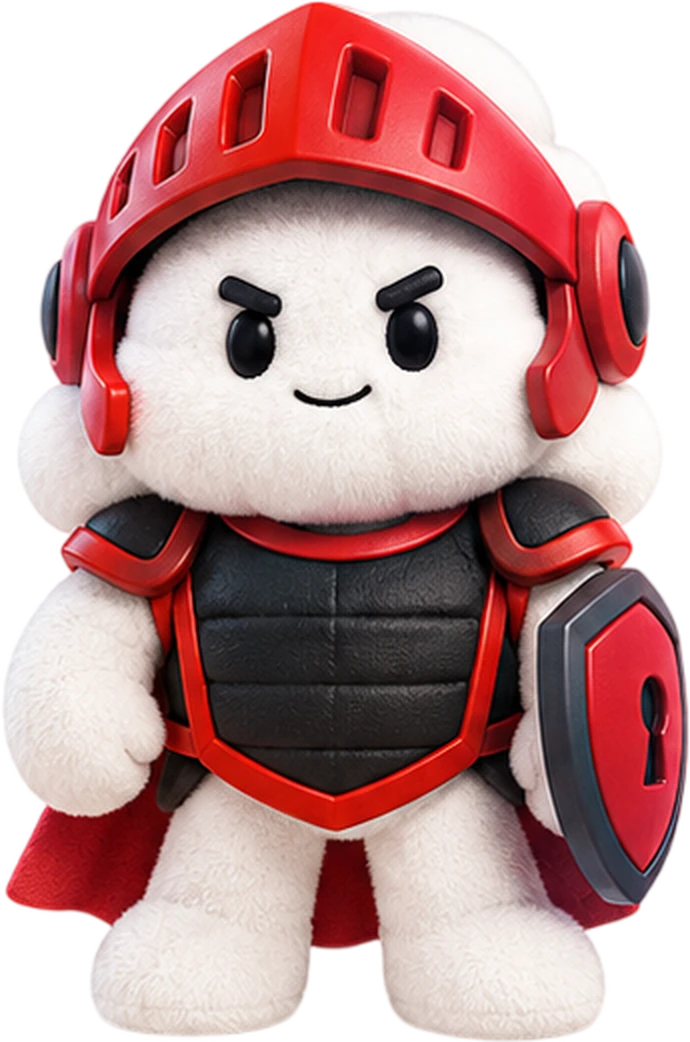 Safe SafeSecurity“Keeping your data safe, always”
Terms of use
Good to know before you start
- 1 account can use 1 PC at a time
- Charged for actual usage time — stop using it, stop paying
- PromptPay QR is valid for 10 minutes
- Always press Return PC when you're done
- Turn off any VPN before opening the app
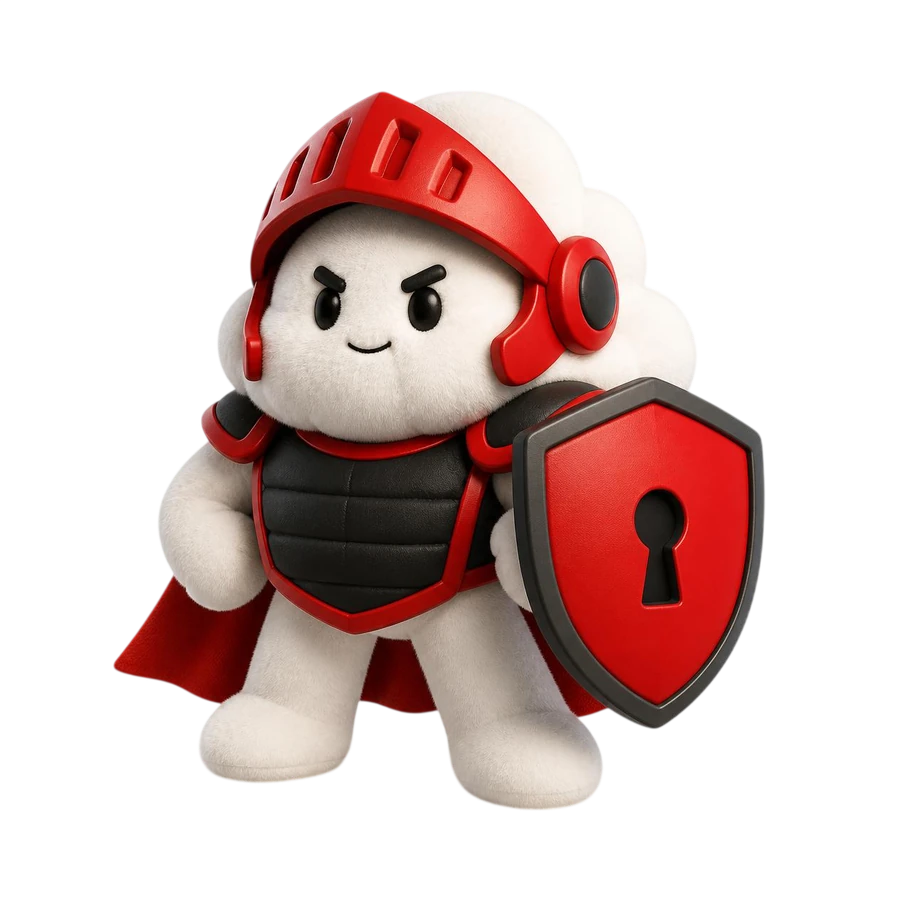 Safety“Keeping your data safe, always”Safe · Security